If you want quick, cliffhanger-heavy dramas without committing to hour-long episodes, the my drama app is built for that kind of viewing. The main things to check before paying are simple: where you plan to watch, whether the series has the language options you need, and whether coins or a subscription makes more sense for your habits.
Where to Watch My Drama
My Drama is available across mobile, web, and Apple TV, but the best place to use it depends on what you care about most. A phone is usually the easiest choice for vertical short dramas, while the website is better when you want to compare plans carefully before paying.
The important detail is that watching and billing are not always managed in the same place. If you subscribe through Apple, Google Play, or the website, you usually need to return to that same platform to manage or cancel the plan.
The iPhone app
The iPhone app is the most natural fit if you watch short episodes during breaks, on public transport, or before bed. The vertical format feels made for phone viewing, and it is easy to jump in for a few minutes without treating it like a full streaming session.
If you pay through the App Store, check your Apple subscription settings for renewal and cancellation controls. A common mistake is searching only inside My Drama for billing options when Apple is actually handling the subscription.
The Android app
The Android app is similar: good for browsing, saving shows, checking free episodes, and unlocking content from your phone. It is a practical choice if you mostly watch away from a desk and want your progress attached to your Google account setup.
- Best for daily phone viewing: quick access, easy browsing, and simple episode unlocking.
- Check before paying: whether the offer shown in the app matches what you see on the website.
- Useful for commuters: downloads may help if your plan includes offline viewing.
The official My Drama website
The official website is useful when you want a larger screen, clearer pricing pages, or direct account management. If you are unsure whether coins, Premium, or VIP access is the better value, the website can be the calmer place to compare before buying.
Browser viewing also helps if subtitles matter to you. Short dramas move quickly, so a bigger screen can make fast dialogue and translated captions easier to follow.
The Apple TV app
The Apple TV app works best as a playback option rather than the first place to manage everything. It is handy when you want to watch with someone else or prefer subtitles on a larger screen, but plan changes and account checks are often easier on mobile or web.
For a household setup, a sensible flow is to choose and manage the plan on your phone or browser, then use Apple TV when you want a more relaxed living-room viewing session.
What Can You Watch on My Drama?
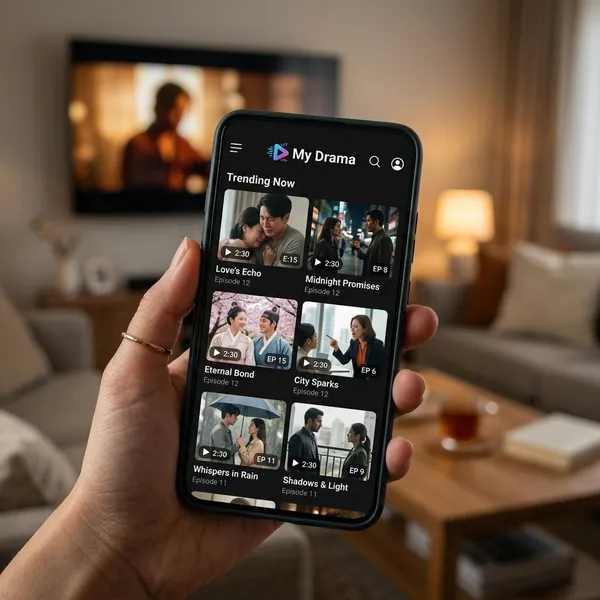
My Drama focuses on short serialized dramas, often with episodes that move quickly from conflict to twist to cliffhanger. Romance is a major part of the library, but the tone changes a lot depending on the category you choose.
If you are new to the app, start with a genre you already enjoy. The format is fast, so it is easier to judge the app when the story type is familiar instead of trying to adjust to both a new genre and a new viewing style at once.
Billionaire romance
Billionaire romance is usually the easiest entry point. Expect power gaps, secret identities, contract relationships, family pressure, and dramatic misunderstandings that appear quickly rather than slowly building over many episodes.
This is a good choice if you want glamorous, emotional stories where the appeal is obvious from the first few scenes. If you prefer subtle character development, sample the free episodes first because this category often leans into big reactions and fast turns.
Mafia love stories
Mafia love stories add danger to the romance formula. The stakes usually come from rival families, forced loyalty, revenge, or a relationship that creates trouble for both characters.
Choose this category when ordinary romance feels too soft, but skip it if you do not enjoy darker relationship dynamics or crime-related tension. The short format can make threats and betrayals feel intense very quickly.
Werewolf and supernatural romance
Werewolf and supernatural romance is the more escapist side of My Drama, with mates, curses, hidden powers, and forbidden bonds. It works best for viewers who enjoy heightened emotions and fantasy rules rather than realistic dating drama.
- Try it if: you like paranormal romance, fate-driven relationships, or dramatic fantasy conflicts.
- Be cautious if: you prefer realistic plots, slow world-building, or low-drama romance.
Mystery and suspense
Mystery and suspense titles are better when you want secrets, revenge, disappearances, or shifting motives instead of romance as the main engine. These stories fit short episodes well because each scene can reveal a clue or change what you think is happening.
This is the stronger option for viewers who want quick payoff but not necessarily a love story. If you only have ten minutes, a suspense series can still feel satisfying because the plot often moves forward in every episode.
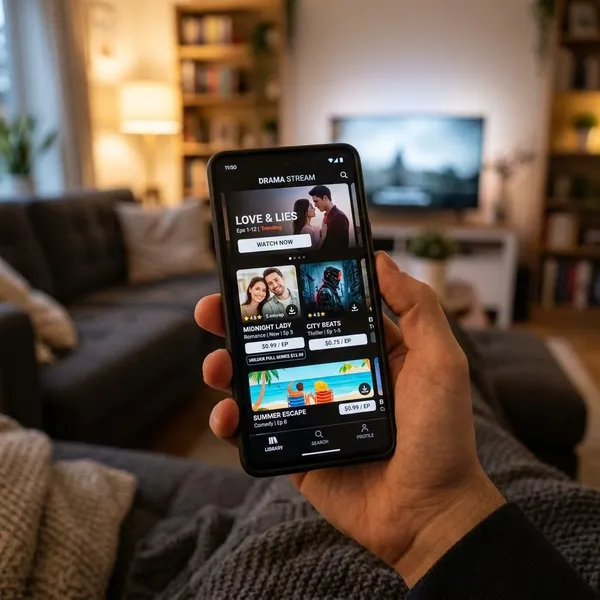
How to Start Watching My Drama
The safest way to start is not to buy the first plan you see. Pick one series, check the language options, watch the free episodes, and only then decide whether coins or a broader plan makes sense.
This matters because short dramas are designed to make the next episode tempting. A few careful checks at the start can stop a casual test from turning into a more expensive binge than you expected.
Find a series you want to watch
Begin with a genre that already sounds appealing, then look at the title image, summary, and first few scenes. With microdramas, you can usually tell quickly whether the acting style, pacing, and level of drama fit your taste.
For a first try, choose a familiar premise such as a billionaire romance or revenge mystery. Once you know whether the short-episode rhythm works for you, it is easier to explore more unusual plots.
Check its audio and subtitles
Before unlocking more episodes, open the series details and confirm the available audio and subtitle options. Do this early if you need a specific language, watch with another person, or rely on subtitles to follow fast dialogue.
A poor language fit is more frustrating here than in a slower show because every minute may include a reveal, argument, or new plot point. If the subtitles feel hard to read during the free episodes, paying for more will probably not fix the experience.
Try the available free episodes
Free episodes are the best filter. Watch enough to judge whether the cliffhangers make you genuinely want more, not just whether the poster or premise looked interesting.
- Sign in first so watch history and purchases stay attached to one account.
- Test one series before jumping between several locked titles.
- Check language settings while the episodes are still free.
- Pause before paying and compare coins with the current plan offers.
If you only want to finish one specific story, coins may be enough. If you already know you will watch several series in a month, a subscription may be less annoying and potentially better value.
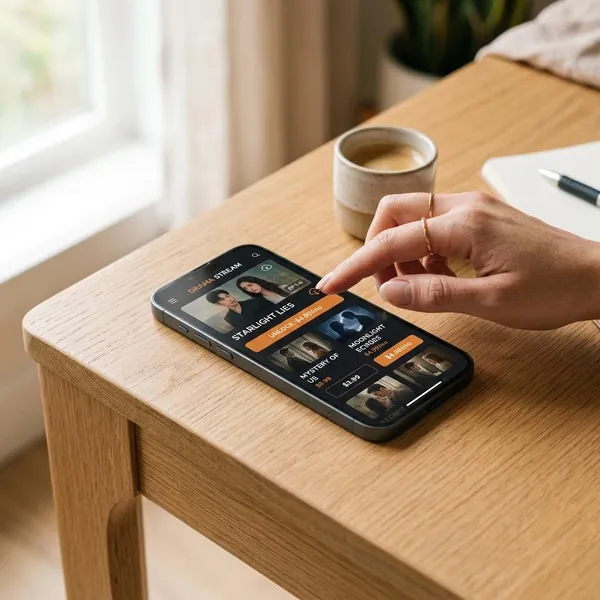
How My Drama Paid Access Works
My Drama can use coins, app-based access plans, and website plans. The names may look similar, but the included benefits can differ by platform, region, promotion, and subscription tier.
| Viewing habit | Likely better option | What to check first |
|---|---|---|
| One series or occasional episodes | Coins | Total unlock cost before you keep tapping |
| Several series in one month | Full Access, Premium, or VIP | Which titles and benefits are included |
| Travel or weak internet | A plan with downloads | Whether offline viewing is explicitly included |
Coins for individual episodes
Coins are best when you want control and do not want a recurring charge. You buy a bundle, then spend coins to unlock specific episodes or parts of a series.
The risk is small repeated spending. Because episodes are short, unlocking "just a few more" can add up quickly. If you notice you are doing that several nights in a row, compare the total with a subscription before continuing.
Full Access and VIP in the app
Full Access or VIP plans in the mobile app are aimed at people who watch more regularly and want fewer interruptions. Depending on the offer, the plan may include broader access, fewer ads, earlier episodes, or download rights, but the label alone is not enough to rely on.
Read the plan screen before confirming payment, especially if offline viewing or a specific locked series is the reason you are subscribing. If the purchase goes through Apple or Google Play, renewal and cancellation usually live in those account settings.
Premium and VIP on the website
Premium and VIP on the website may be billed directly through My Drama instead of an app store. This can be easier if you prefer managing subscriptions from a browser or want to see plan details on a larger screen.
Before choosing the website route, check whether the benefits match what you expect from the app. A plan can sound similar but still differ in downloads, content access, regional availability, or billing rules.
How to Watch My Drama Offline
Offline viewing can be useful, but it is not something to assume just because you paid. Treat downloads as a plan feature that needs to be checked before a flight, commute, hotel stay, or any situation where Wi-Fi may be unreliable.
Check whether your plan includes downloads
Start with your plan details and look specifically for download or offline viewing language. Some paid access may focus on streaming only, while other tiers may include downloads.
If travel is the reason you are upgrading, this is the first feature to verify. Do not rely on the plan name alone, because "Premium," "VIP," or "Full Access" may not mean the same thing in every place you can subscribe.
Download available episodes while online
Use reliable Wi-Fi and download more episodes than you think you will need. My Drama episodes are short, so a train delay or airport wait can burn through saved content faster than expected.
- Check storage before saving several series.
- Keep the app open long enough for downloads to finish.
- Confirm the download list instead of assuming the tap worked.
Test playback before your trip
Put your device in airplane mode and play one downloaded episode before you leave. That quick test confirms the file is actually available offline and that subtitles or audio settings still work.
If the episode refuses to start, you still have time to reconnect, redownload, or choose a different title. It is a small check, but it prevents the most annoying kind of travel surprise.
Conclusion
My Drama is worth trying if you like fast, emotional short dramas and are comfortable checking the payment details before you commit. Start with free episodes, make sure the language options work for you, and choose coins or a plan based on how often you really watch; that keeps the app fun instead of confusing or unexpectedly expensive.